Storyboard
The picture in your head. Clear to your team and AI.
Make your creative intent easy to see. Sketch a few lines or collage existing elements. Agree on the shot before bringing it into the studio.
Draw it. Then talk about it.
Sketch composition, character positions and the relationships within a shot.
You don't need a polished image to begin. A few lines and a note can open a discussion about eyelines, distance and visual emphasis.
Build your shot from what you have.
Combine references, adjust their positions and scale, and lay out an idea quickly.
Place character and location references in the frame. Move, resize and rotate them, then add drawn notes to make a useful shot sketch.

 Character reference
Keep the character left
Keep depth in the background
↗The whole story. Ready to share.
Export storyboards as PPT or PDF and present every shot as a clear story sequence.
Align your film team around the story and shot sequence. With exports tailored to agency pitches, clients can follow the idea, the visuals and how the story unfolds.
SHOT / 12—03Bring your ideas to life.
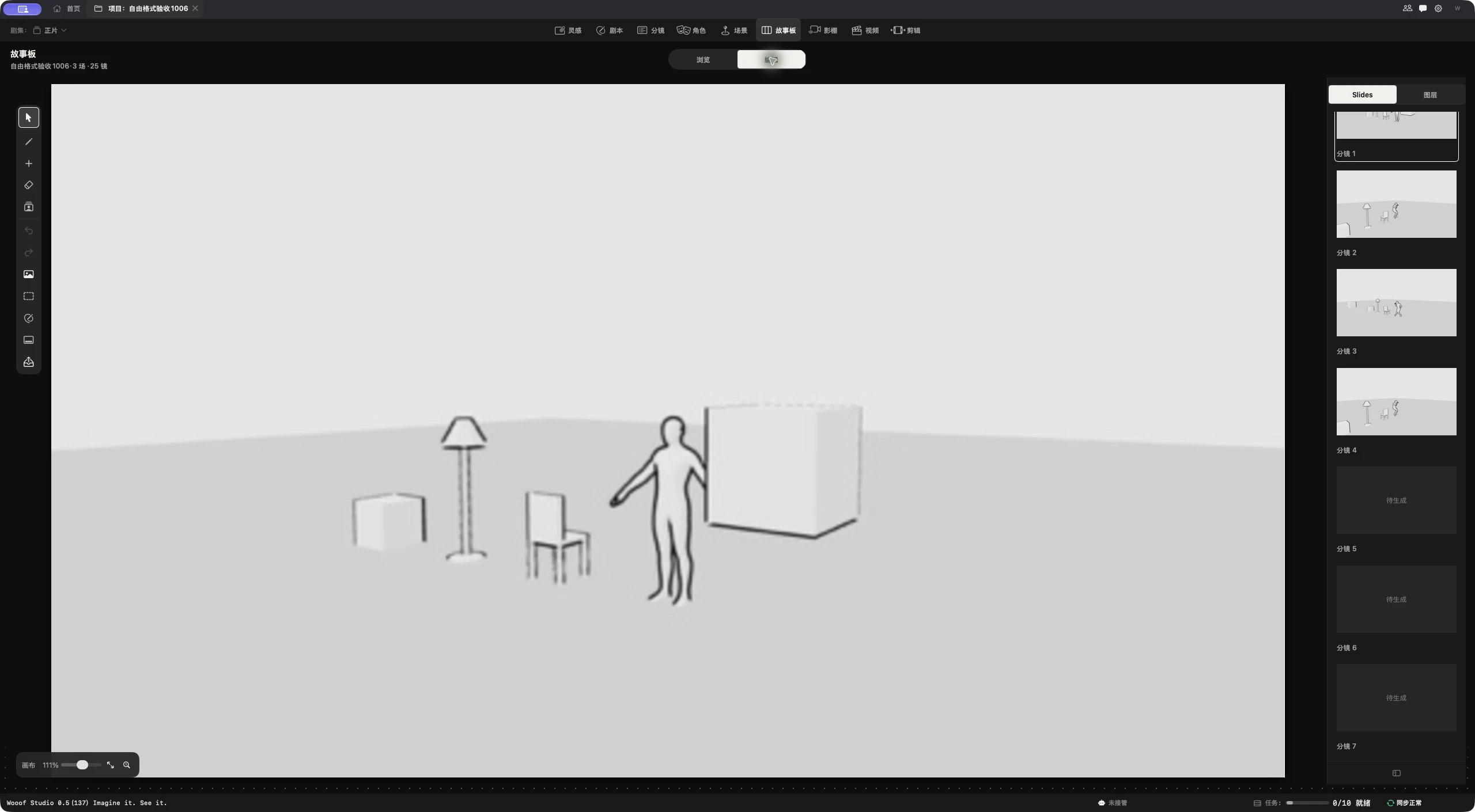
Place the character and establish background depth. Use a quick sketch and existing references to explain composition and spatial relationships.