Production Assets
Manage production assets together. Keep your story consistent.
Generate and manage characters, scenes and props together. Establish a character’s appearance, then create different looks. With World Labs world models, turn text or images into 3D scenes. Shared character and spatial references keep both the story and the team consistent across shots.
First the character. Then the look.
Define the character’s base appearance, then generate different looks for the same person.
Use the established appearance as a shared starting point for clothing, hair and makeup, keeping each look grounded in the same character.
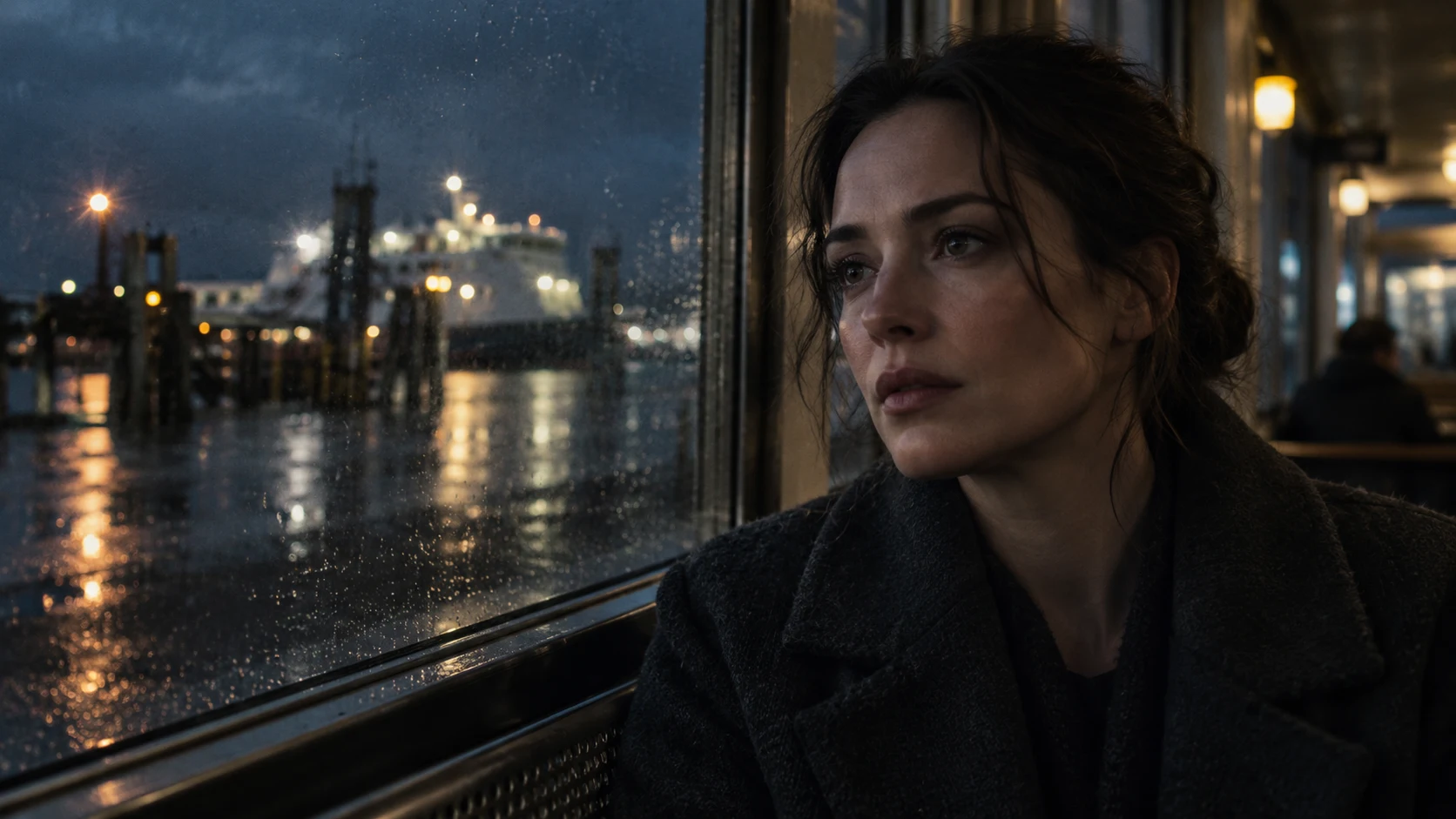
First, establish the person.
01Facial features✓
02Character presence✓
03Base appearance✓
Every look starts with the same reference.Every look is an asset you can manage.
Manage multiple looks in the character generation workspace as the same person changes throughout the story.
Keep looks for different scenes, periods and situations under one character. Select a look to continue production and give the team the right visual reference.
Generate scenes and props. Visual, interactive and organized.
Use the World Labs world model to generate an interactive 3D scene from a text description or reference image.
Start with a described space or a visual reference. Explore the generated scene from different viewpoints to inform your shot design.
An open interior with high windows and a platform. A performer stands at the edge of the light.
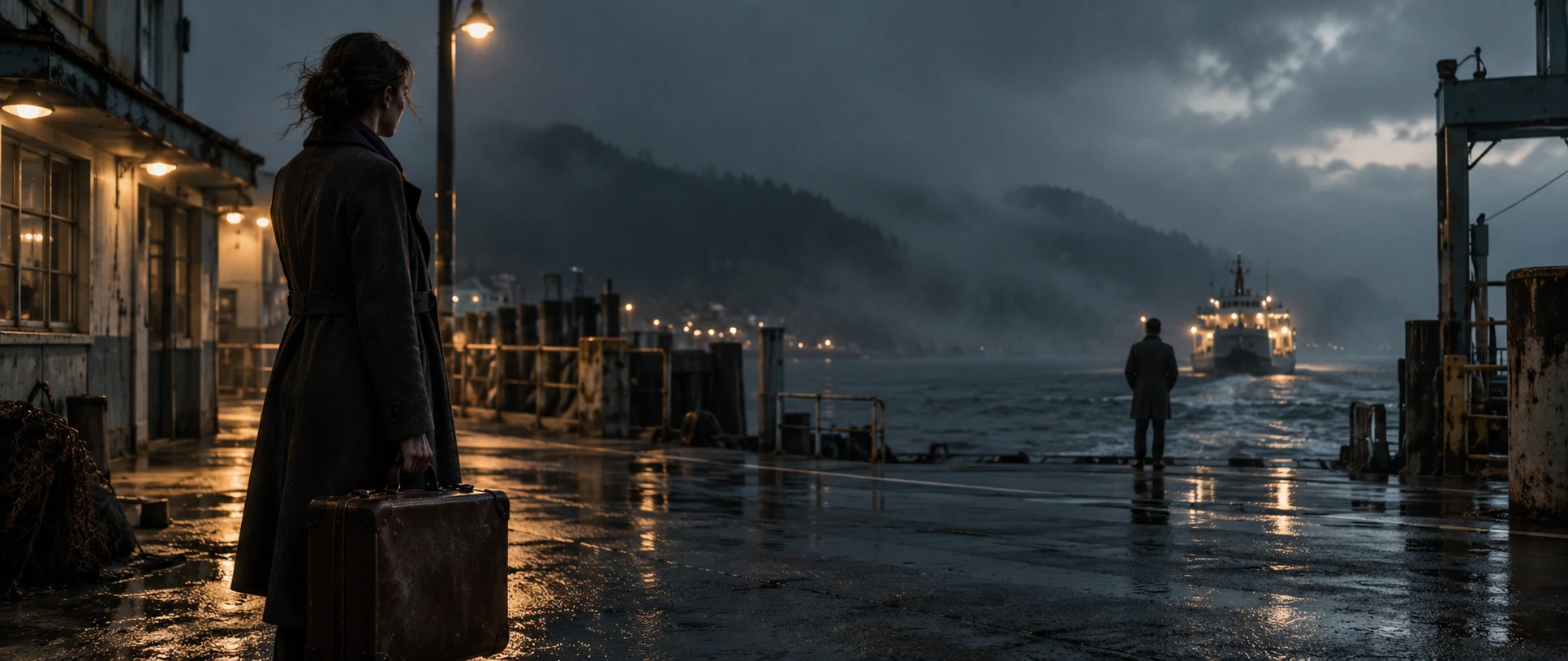 → WORLD LABS → 3D
Change the angle. Keep the same scene.
Frame different views of the same 3D scene to preserve spatial relationships. Organize characters, scenes and props in one project asset collection. Shared references, from set dressing to prop details, reduce visual drift between shots.
As the camera moves, the layout and placement of scene elements remain grounded in the same 3D space, giving a sequence of shots a consistent setting.
Bring your ideas to life.
Establish the character and create the required looks, then generate a 3D scene from text or an image. Across camera angles, the character has a defined look and the setting retains a shared spatial basis.