Shot Design
Turn the story into shots you can make.
What to shoot, how to shoot it, and how long to hold. Express your vision through precise shot design. AI helps develop it; the creator decides the way forward.
Every shot has a specific intention.
Control picture, action, dialogue, duration, shot size and camera movement individually.
Translate a feeling into concrete choices. A little wider, a little slower, a cut half a second later: the intent becomes clearer with every adjustment.
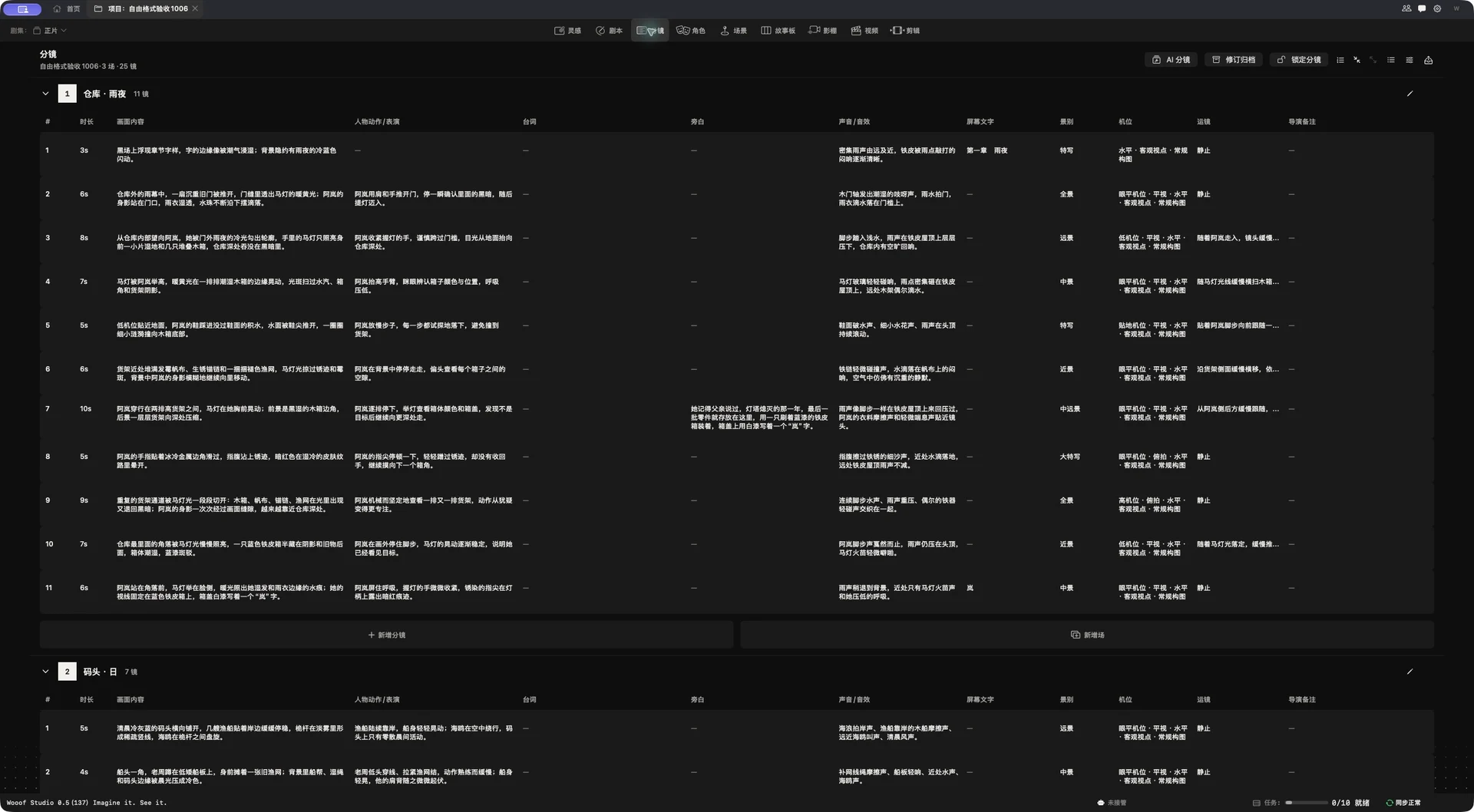
The creator reviews. The creator decides.
AI assists with the breakdown. Use the proposed shots to build a starting point for your story.
The creator considers the script and the surrounding shots, keeping the designs that truly serve the scene.
AI-assisted breakdown
✓Creator review
✓Approve the direction
→Keep the ideas you may return to.
Scenes and shots removed during revisions stay in the archive, ready to restore when needed.
Review archived shot descriptions, performances and revision reasons. Find what you need, restore it to the shot list, and keep refining.
Back in the shot list. Ready to refine.
Shot 12—02 is back in the shot list.
Bring your ideas to life.
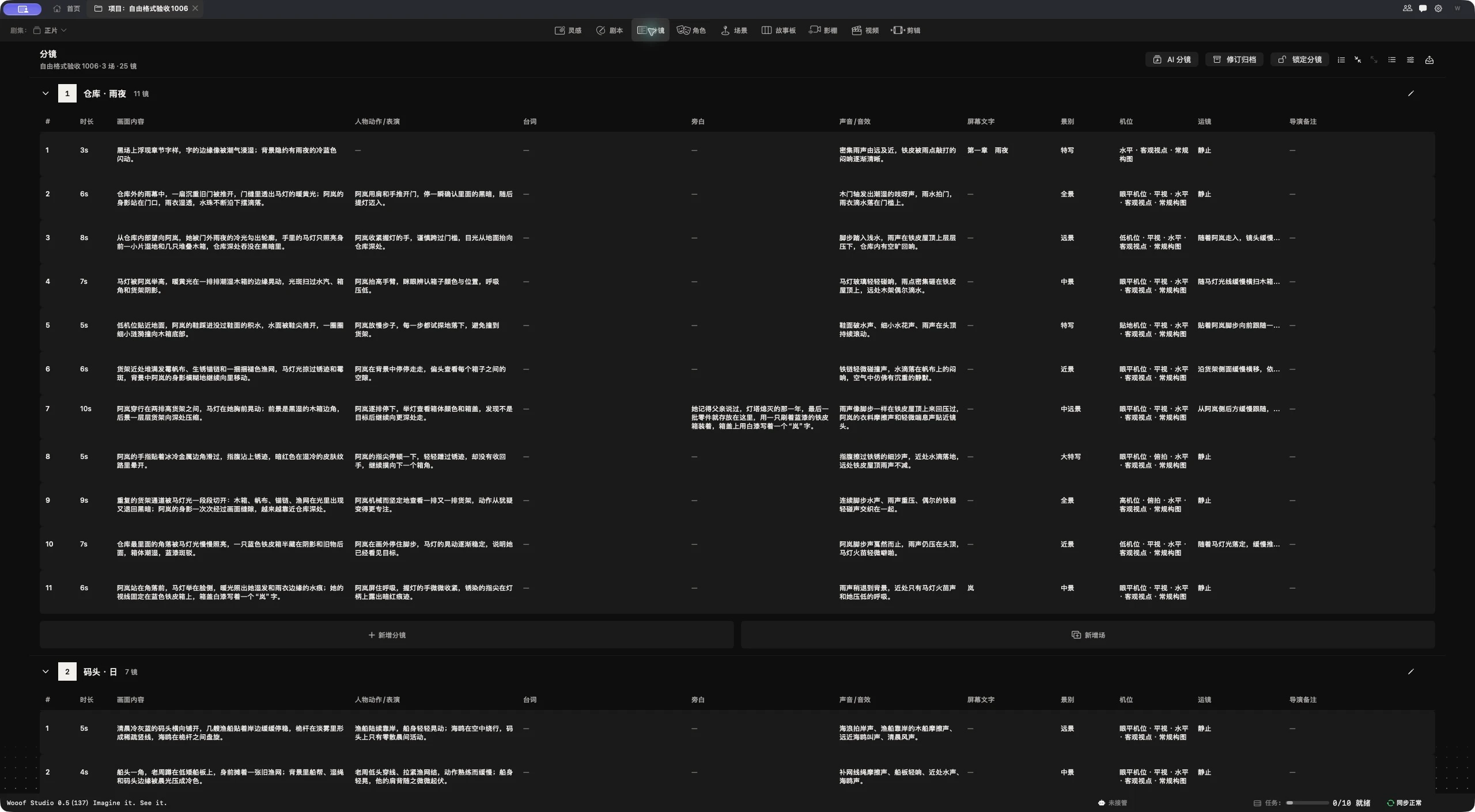
Start the same performance wide or close? Compare both choices within the scene and judge how the shots work together.