Video
Generate with intent. Review every take.
Bring reference images, character assets and shot direction into video generation. Choose a mode, select camera movement visually, assign performers, then compare takes to find the right expression.
Three generation modes. Different ways to begin.
Animate a keyframe, build a shot from character and scene references, or keep refining footage you already have.
Keyframe, narrative and editing modes let images, production assets and existing footage become the starting point for your shot.
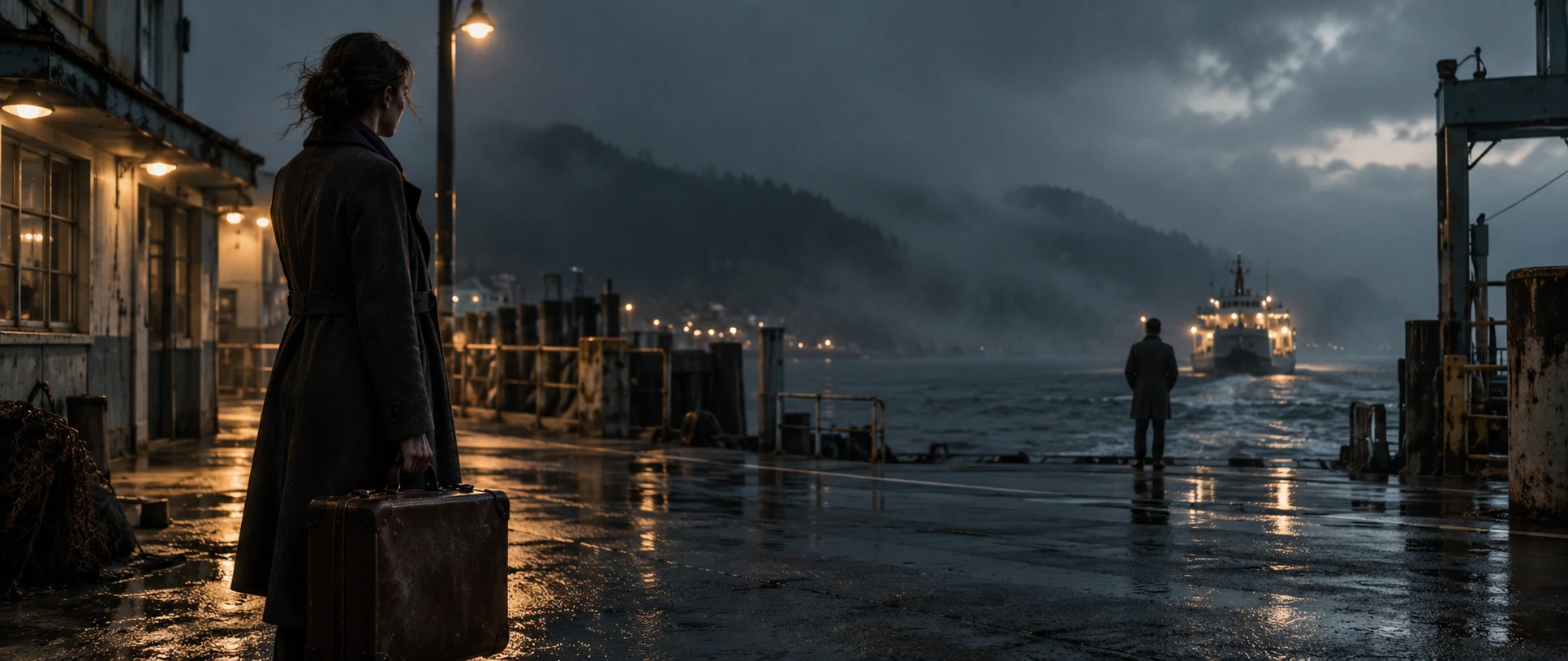
Editing mode
Use existing footage, editing directions and reference images to revise or continue the shot.
Make camera movement visible. Make video generation more precise.
Choose camera movement visually in supported generation modes and bring the shot design into generation.
Use references, composition and movement together to express your intent. Available controls vary by model and mode.
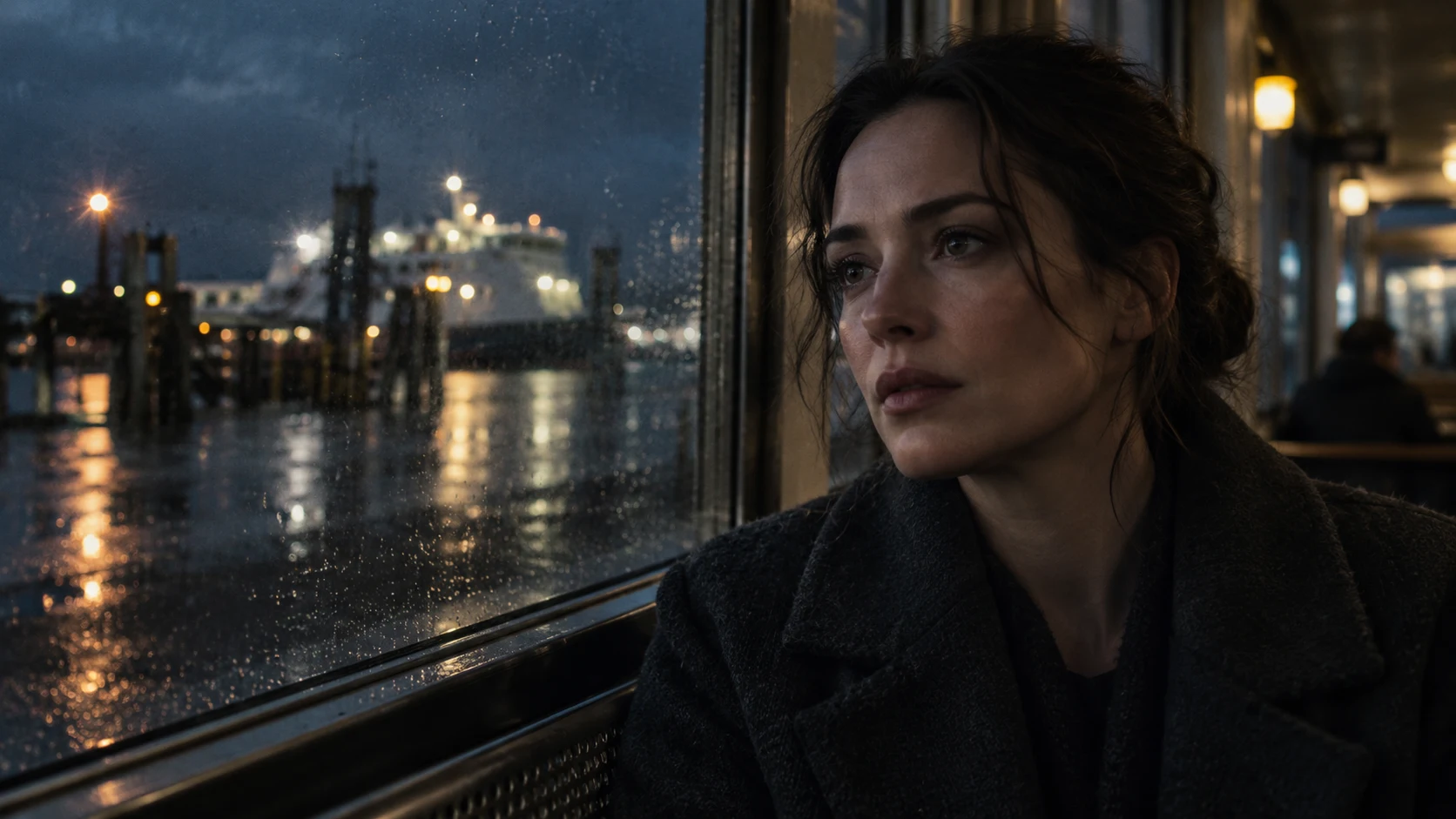
Mark each character. Match each asset. Assign the performer to the part.
Use performer assignment to label people in the reference image and connect them to the character assets you created.
Link each person’s position in the frame to a character reference, helping the model distinguish identities and reducing mix-ups and repeated attempts. Established appearances and looks become part of shot generation.
A / CHARACTER ABase appearance → Current look↖ AThere’s always one more take. Keep only the best one.
Review multiple takes of the same shot side by side.
Discuss online and compare action, rhythm and performance. Keep the alternatives, and let the creator choose their preferred take.
TAKE 01TAKE 02TAKE 03 ✓Bring your ideas to life.
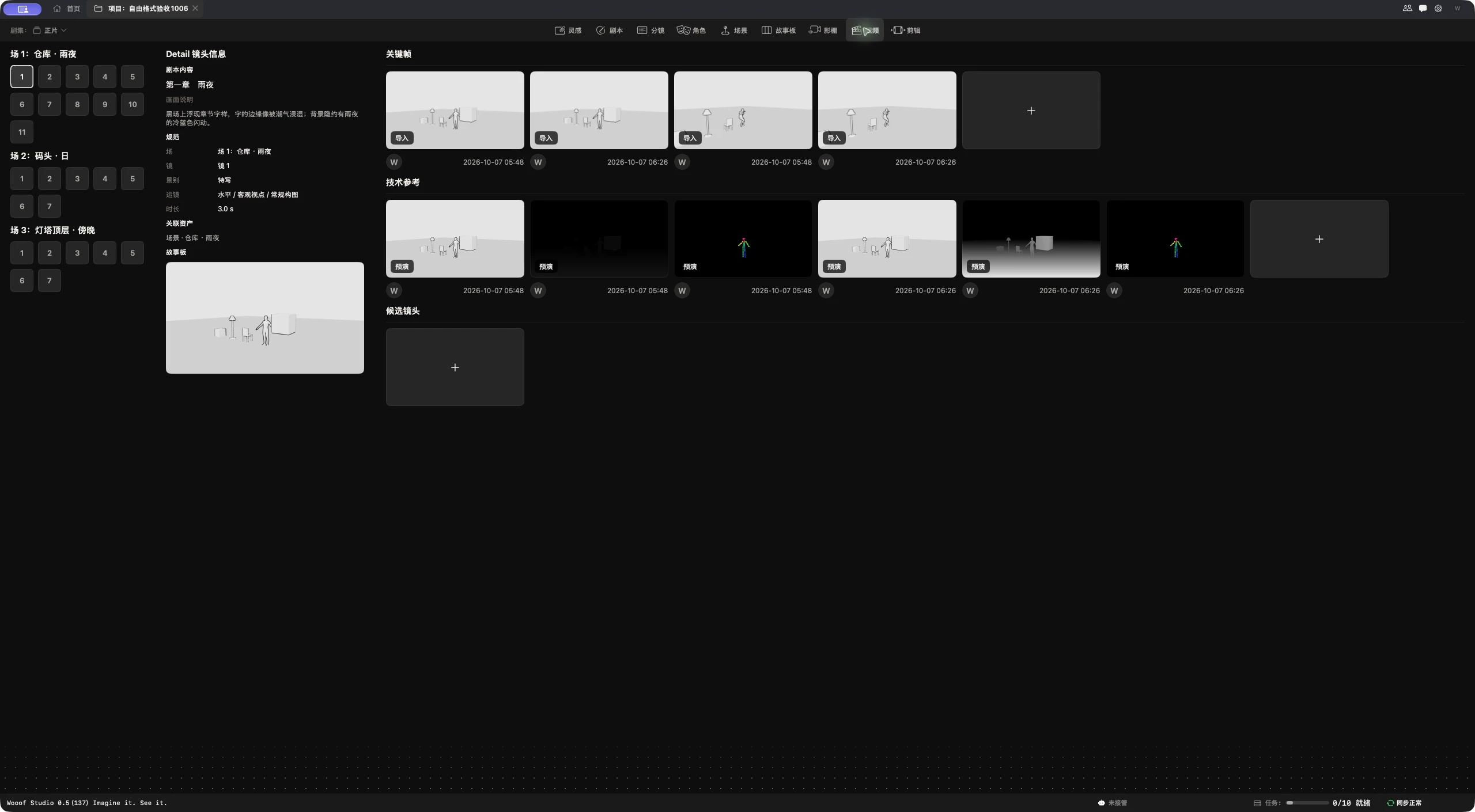
Match performers in the reference image to character assets, then choose a generation mode and camera movement. Compare action, timing and performance across takes, and select the one that serves the scene.