3D Virtual Studio
Bring the studio onto your computer. Give your ideas a place to play out.
Build your own set on your computer. Dress the scene, block the performers, and choose camera positions and movement. Start with an idea and bring the shot to life, one decision at a time.
Build the set in your head with the assets you have.
Combine images, 3D models and Gaussian splats in one virtual set.
Position, scale and rotate assets in the same 3D space to assemble characters, props and environments. Then switch to the camera view to check the composition.

Hard to explain the framing? Set it up and see.
Adjust characters, props, camera positions and composition to create a clear visual reference.
Explore character relationships and camera angles in space, then capture a reference frame. Turn a description into positions the whole team can see.
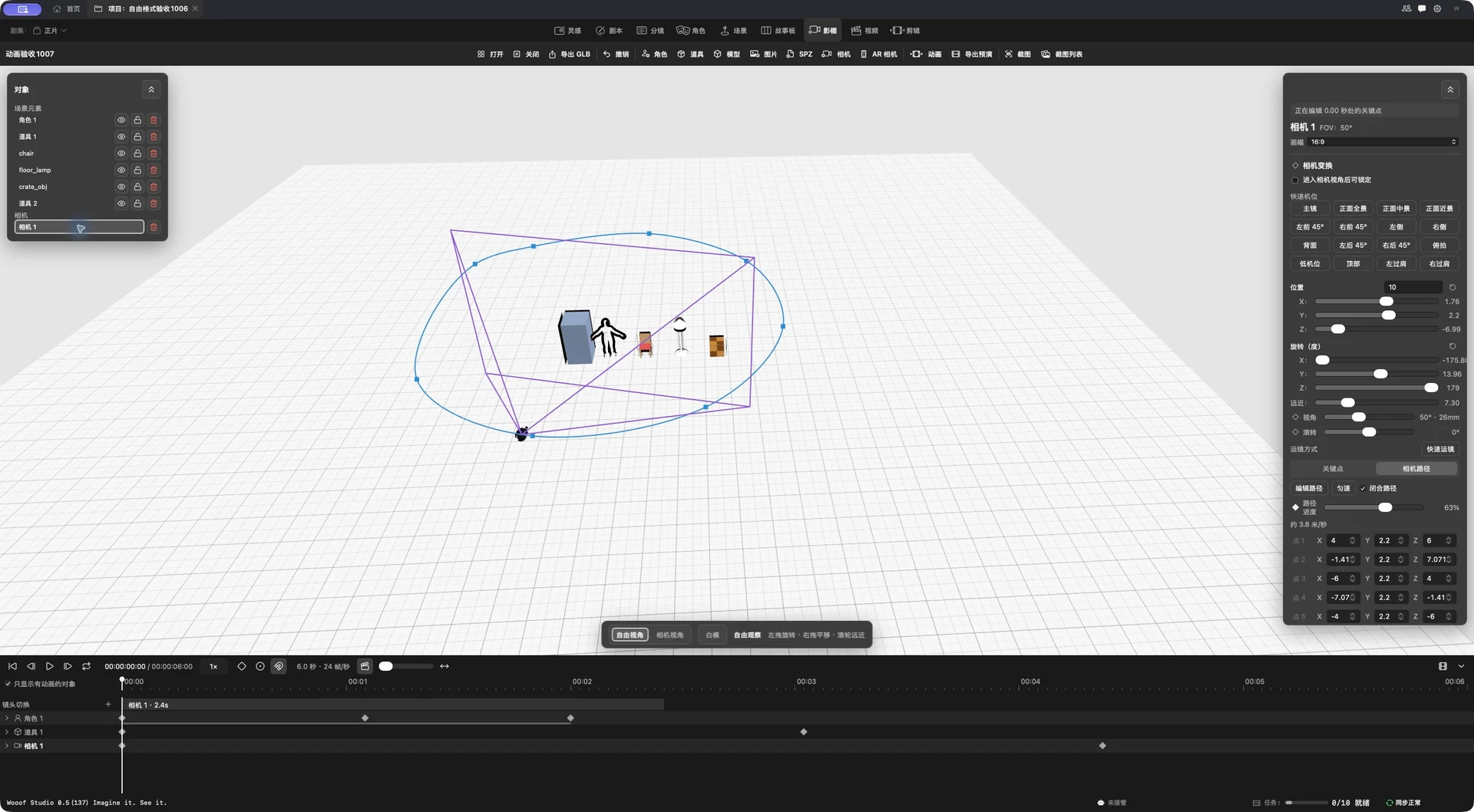
Rehearse first. Produce next.
Rehearse actor movement, action, camera changes and camera motion together.
Adjust paths, speed and timing as camera and characters move together. Review the blocking, then export a moving reference for production.
Two devices, working together. Rehearse camera moves with your phone.
Build the studio on Mac. Turn your iPhone into an AR virtual camera.
Use familiar handheld movements to frame virtual space and see immediate feedback. Small studios can explore virtual cinematography with a phone.
 AR CAMERA28 mm / Wide
Build on Mac · Frame with iPhone
Bring your ideas to life.
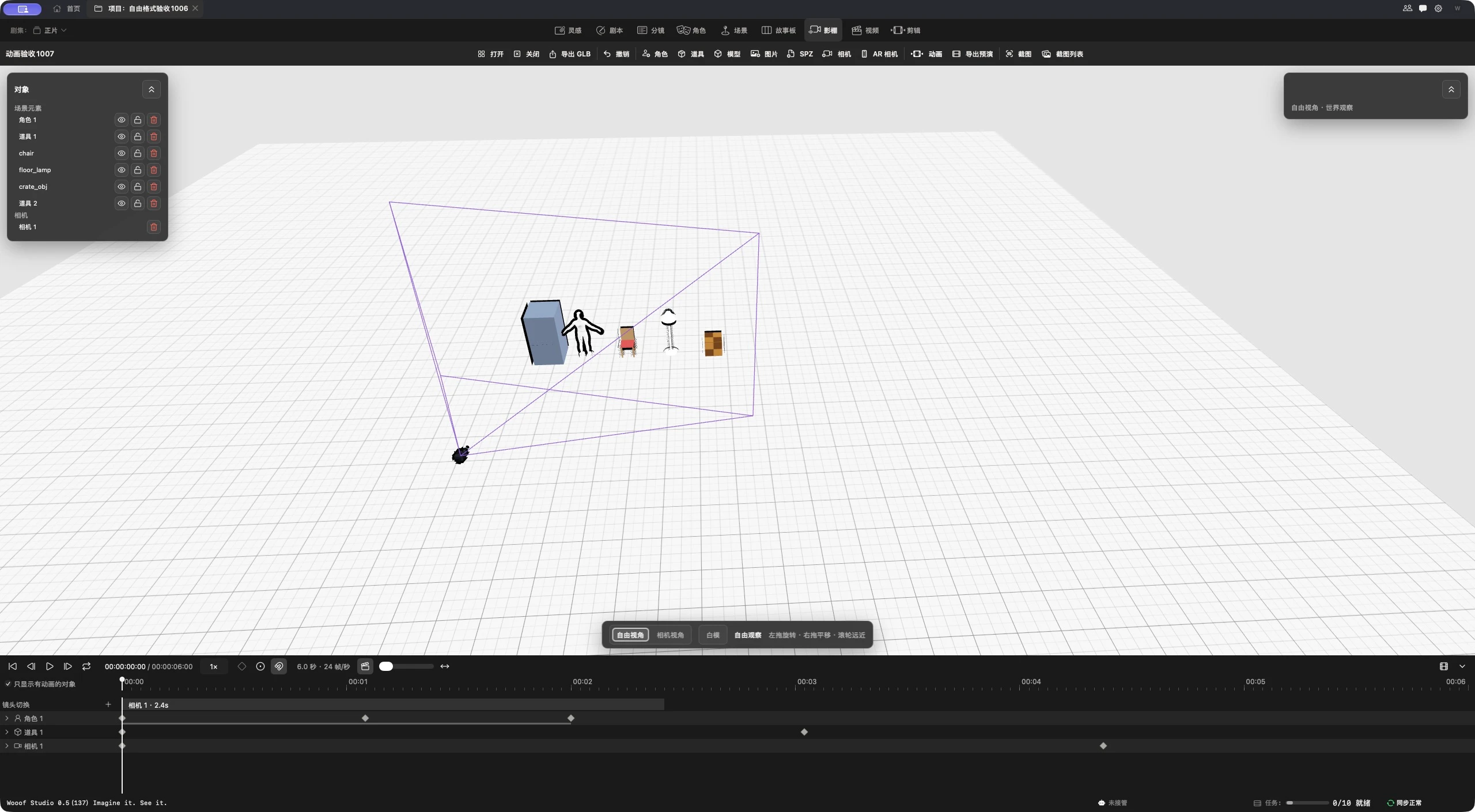
Build a set from images, models and Gaussian splats, then arrange the performer and camera movement. Rehearse framing and blocking before refining composition, speed and timing.